4. FAQ
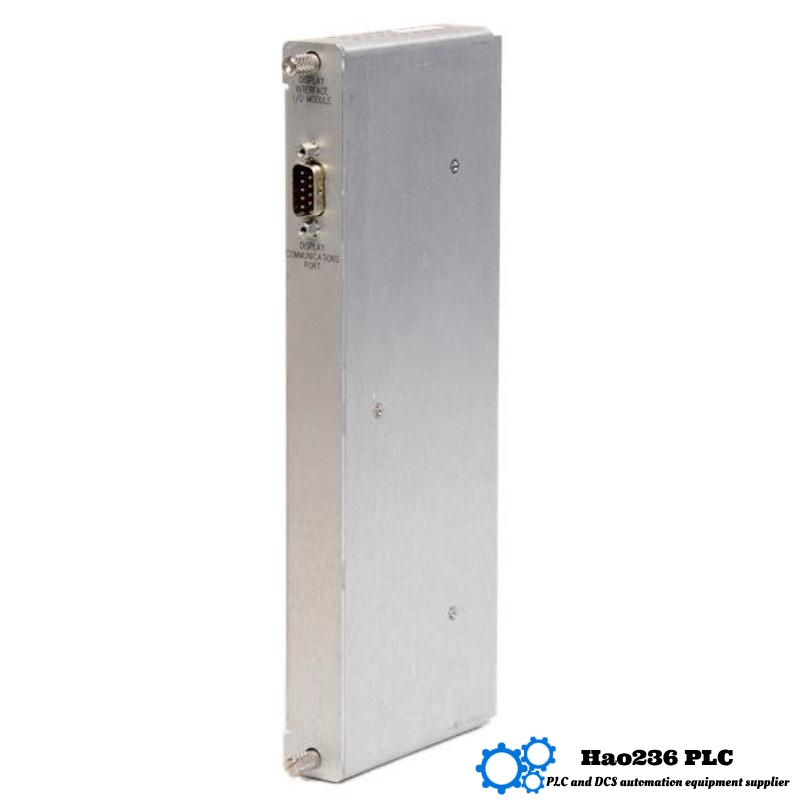
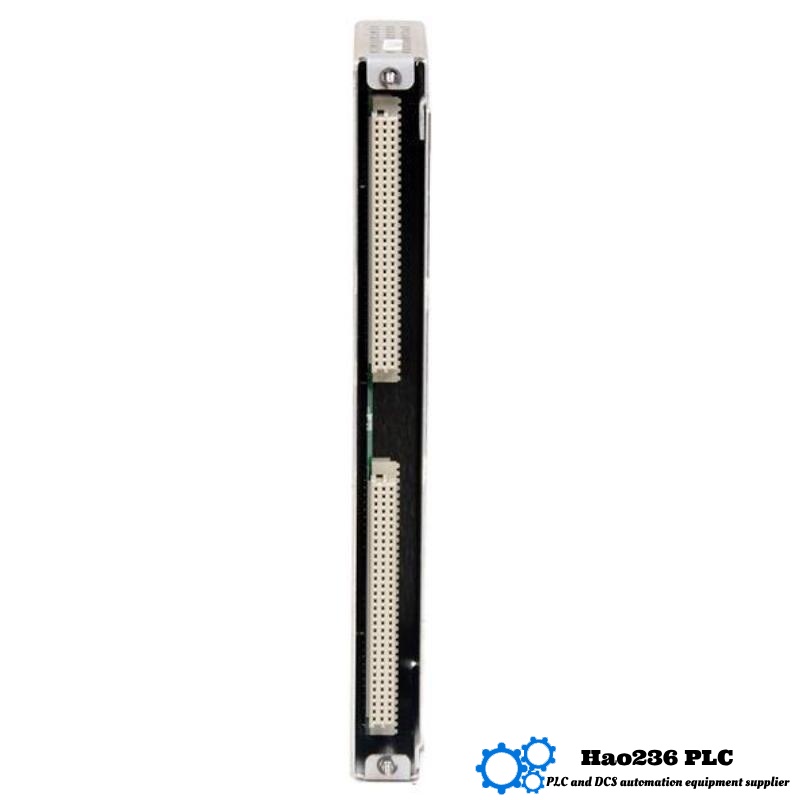
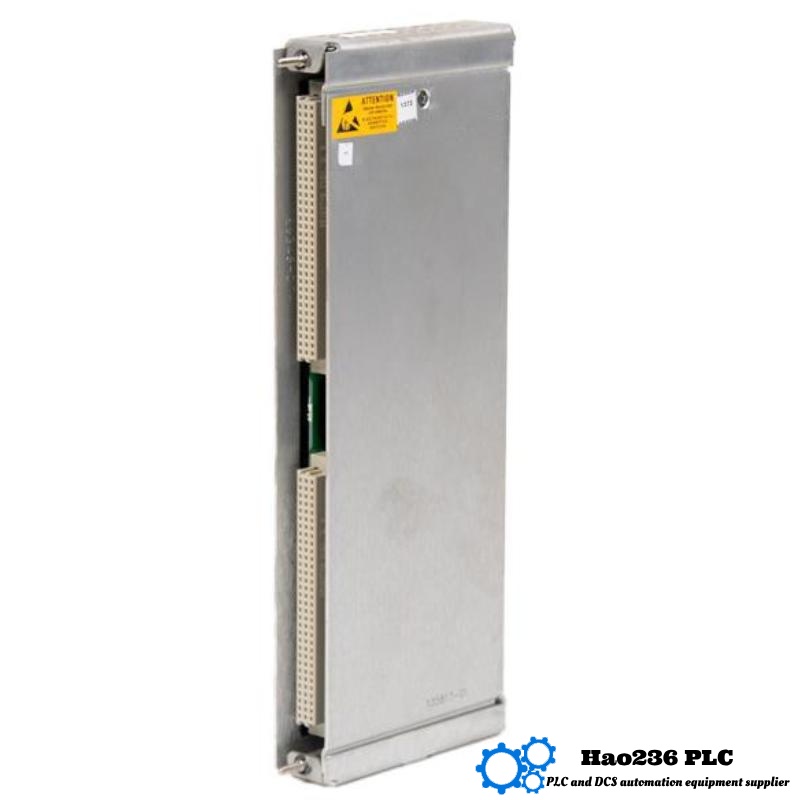
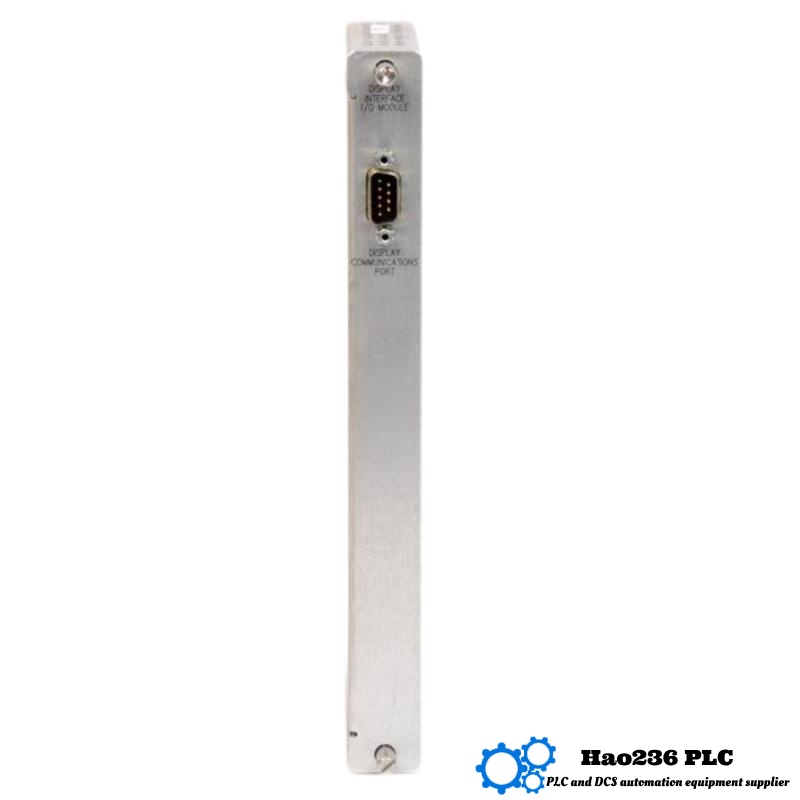
Q1: What is the exact function of the 135813‑01 Display Interface I/O Module?
A1: It provides visual indication (local or remote) of all relevant data in a 3500 rack—alarms, channel/module status, event lists, Keyphasor/Tachometer info—via a connected display.
Q2: How many displays can be connected to one rack using this module?
A2: Up to two displays per 3500 rack. Each display needs this module in an empty slot in the rack.
Q3: What are the dimensions and weight of this module?
A3: Dimensions are 190 mm × 16.2 mm × 108 mm; weight is 1.2 kg.
Q4: What is the power consumption?
A4: Maximum is 15.5 watts for the combined display unit and display interface module. The “‑01” display unit portion uses up to 5.6 watts; the “‑02” unit uses up to 12.0 watts.
Q5: What communication interface does it use?
A5: It uses RS‑422 for connection to display unit. It also supports the internal rack network via proprietary protocol and optionally Modbus for external/configuration communication.
Q6: What mounting options are supported?
A6: Face mounting, 19‑inch EIA rack mounting, panel mounting, or independent mounting. This flexibility allows deployment in control rooms, panels, or field enclosures.
Q7: What environmental conditions can it tolerate?
A7: Operating temperature approximately between ‑30 °C to +65 °C; storage colder / hotter if required; relative humidity up to 95% non‑condensing.
Q8: What happens if a display fails? Does module failure disable protection?
A8: If the display or the I/O interface to the display fails, you lose visual feedback, but the core protection functions in the rest of the 3500 rack (alarms, shutdowns, monitoring modules) continue to operate if they are healthy.
Q9: Is this unit still manufactured / available new?
A9: It is listed as “Brand New & in Stock” in some sources. However, some vendors indicate it may be discontinued or limited availability, so lead times or stock could vary.
Q10: How is configuration done?
A10: Using the 3500 Rack Configuration Software. Configuration includes selecting what data/events are shown, display layout, communication settings, and calibration of display units etc.
Related Products
Copyright @ 2026 Automations
XML|Links:
No:77501