4. FAQ
Q1: What distinguishes the 135799‑02 from the 135799‑01?
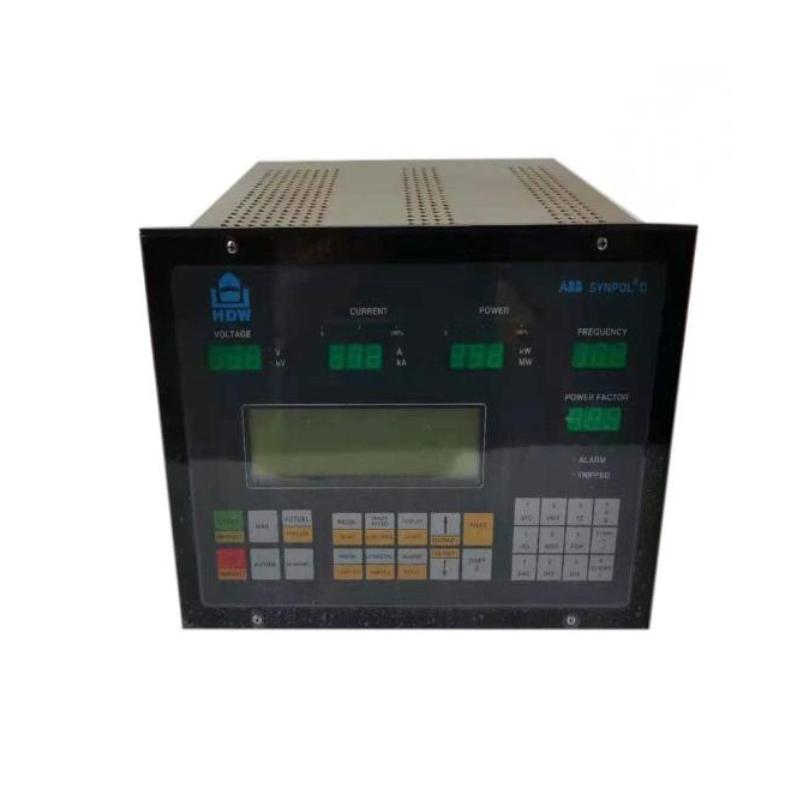
A1: The “‑02” display unit typically supports back‑lighting and/or features for brighter display, may consume more power (≈12.0 W for display alone), and is suited for environments needing visibility under low light or for remote mounting. The “‑01” version is a lower power variant.
Q2: What are the precise dimensions and weight of the 135799‑02 module?
A2: Dimensions are 241.3 mm × 24.4 mm × 241.8 mm; weight is 0.82 kg.
Q3: What is the expected power consumption?
A3: Combined Display Interface Module plus Display Unit up to 15.5 watts, with the “‑02” display drawing up to 12.0 watts (backlit etc.).
Q4: What environmental conditions can the module handle?
A4: Operating temperature from ‑30 °C to +65 °C; storage from ‑40 °C to +85 °C; up to 95% non‑condensing humidity.
Q5: What communication interfaces and protocols are used?
A5: The interface between the display unit and DIM is RS‑422; internal data types via the 3500 rack network. Supports Bently Nevada proprietary protocols and Modbus (where supported) for external communication or configuration.
Q6: What update rate / refresh interval does it support?
A6: Typical channel update rate is about 1 second, meaning displayed data refreshes every second under normal operating conditions.
Q7: How many displays can a 3500 rack support?
A7: Up to two displays per rack, each requiring its own Display Interface Module.
Q8: Does the “‑02” require external power or special cabling under some circumstances?
A8: Yes. For long display cable distances (greater than about 100 feet) or when using back‑lit display units, an external power supply or adapter may be required. Also accessories or mounting kits may be needed for remote or independent mounting.
Q9: What happens if display fails / interface fails?
A9: If the display or its interface fails, local or remote visual feedback is lost. However, the underlying machinery protection functionality (alarms, channels, shutdowns, relays) continues to function assuming those modules are healthy.
Q10: How do you configure what is shown on the display?
A10: Through the 3500 Rack Configuration Software: you can select which channels, which module states, event/alarm lists, visual layout, mounting options, etc., are shown on the display.
Related Products
Copyright @ 2026 Automations
XML|Links:
No:77501