❓ Frequently Asked Questions (FAQ)
Q1: What does the 3500/94 Display Router Box do?
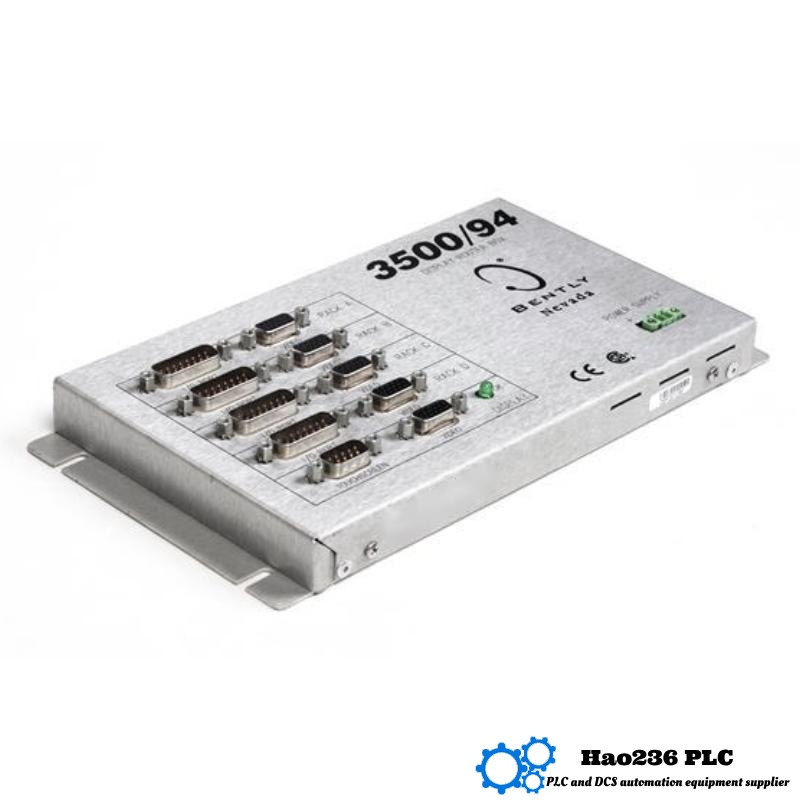
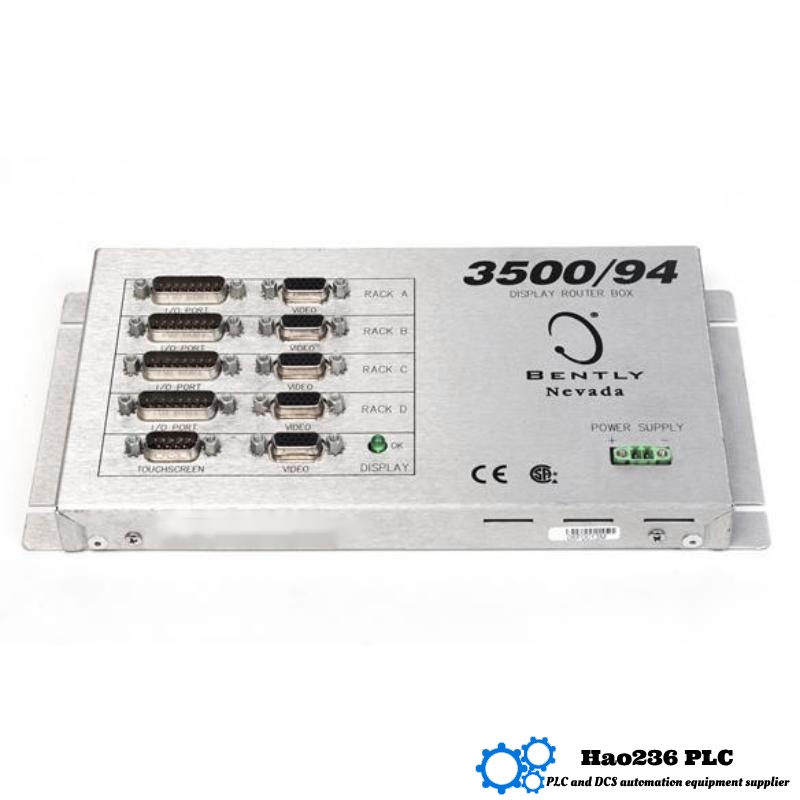
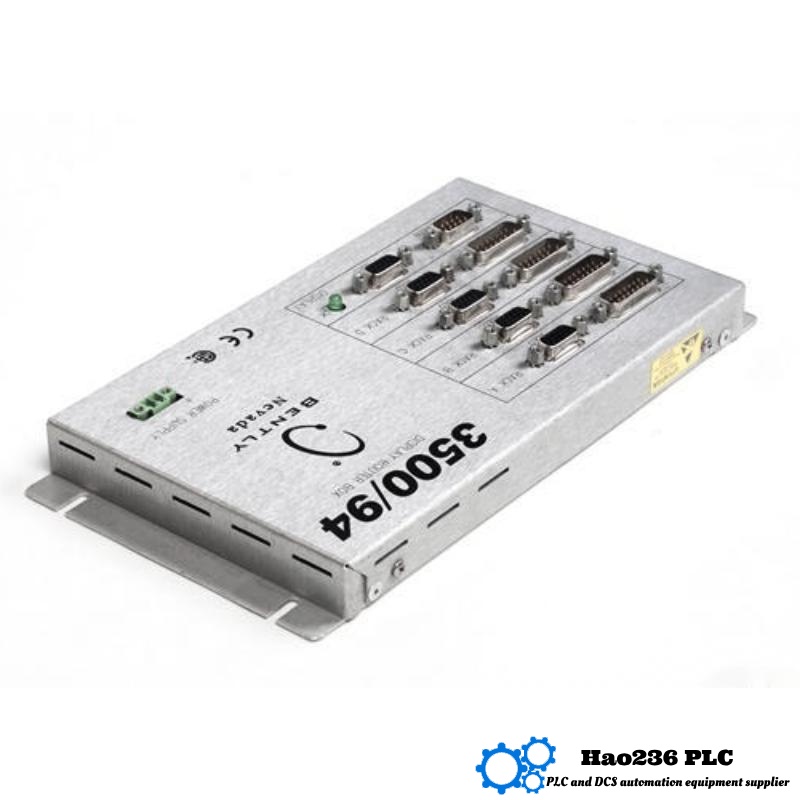
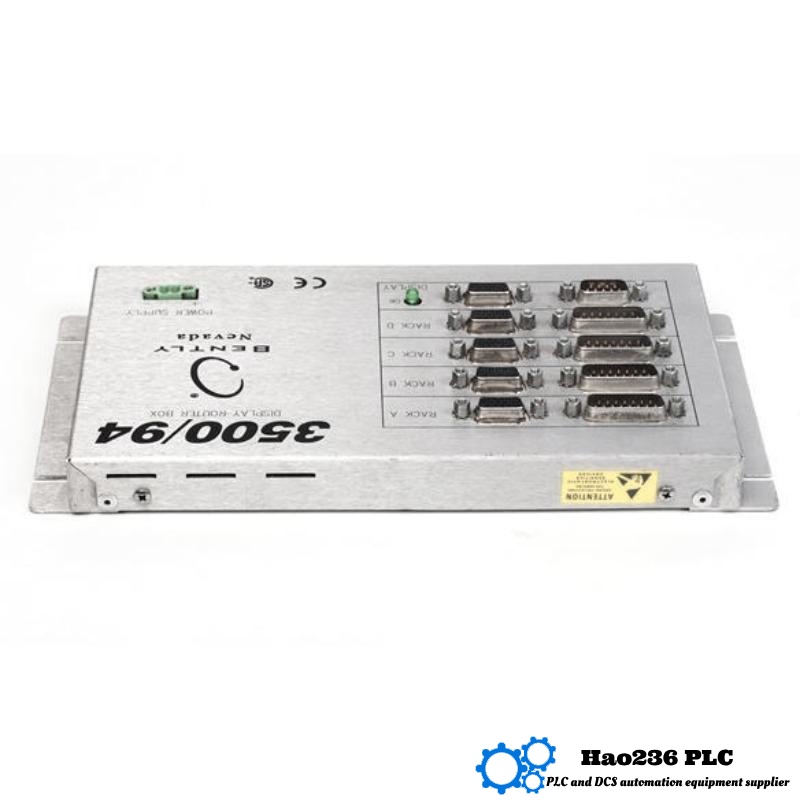
A1: It manages and routes VGA display output for one or more 3500 monitoring racks, enabling centralized display of machinery data on a single monitor.
Q2: Does it support touch-screen input?
A2: Yes. When connected to a compatible VGA touch monitor, users can navigate between system displays, alarms, and data views via touch.
Q3: How far can the display be located from the rack?
A3: Standard VGA cables support distances up to 8 meters (~25 ft). Using KVM extenders or router boxes can allow longer distances with proper shielding.
Q4: What are the operating temperature and humidity ranges?
A4: It operates from −30 °C to +65 °C, stores between −40 °C to +85 °C, and handles up to 95% relative humidity (non-condensing).
Q5: What kind of signal inputs does it accept?
A5: Non-isolated modules accept +0.8V to −21V, while isolated modules accept +5V to −11V. It interfaces directly with 3500 series I/O modules.
Q6: Can the display alert operators during machine faults?
A6: Yes. Alarms, fault states, and OK/Bypass indicators are all shown visually. Alarm lists and colored indicators provide quick status recognition.
Q7: Is it compatible with API-670 monitoring requirements?
A7: Yes. The display module supports rack-view screens compatible with API-670 style layouts and data expectations.
Q8: Can it be used in hazardous areas?
A8: Some versions or connected monitors are certified for hazardous zones (e.g., Class I, Div 2 or ATEX), but certification depends on the specific display model used.
Q9: Can the display layouts be customized?
A9: Absolutely. Up to 9 user-configurable display views allow custom layouts, including bar graphs, numeric values, vibration levels, or shaft gaps.
Q10: How is maintenance handled if a module fails?
A10: The system is modular. You can replace just the router box, I/O card, or monitor separately without disturbing the entire rack.
Related Products
Copyright @ 2026 Automations
XML|Links:
No:77501