FAQ – Frequently Asked Questions
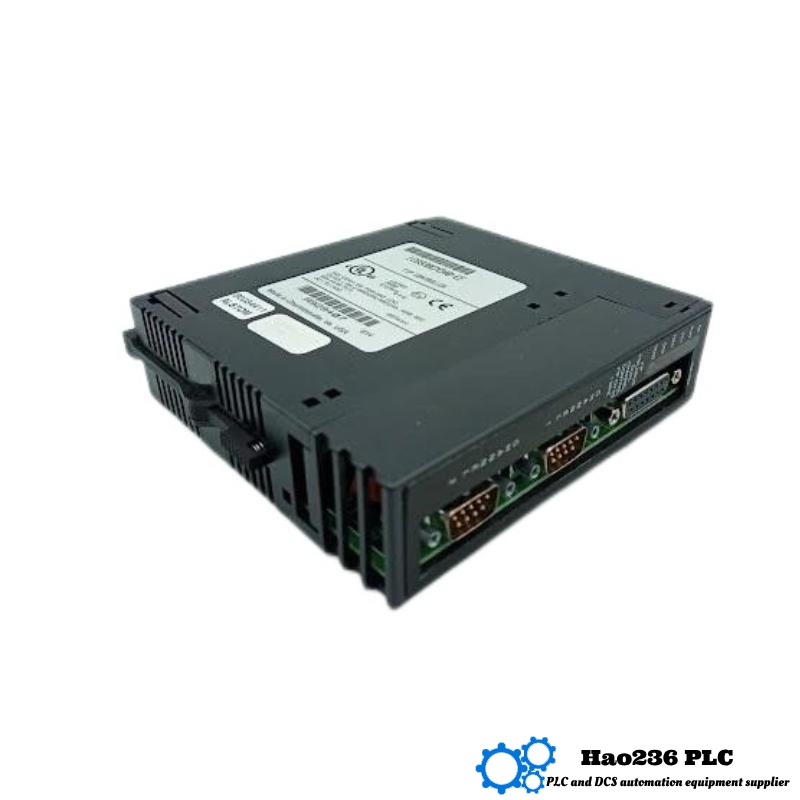
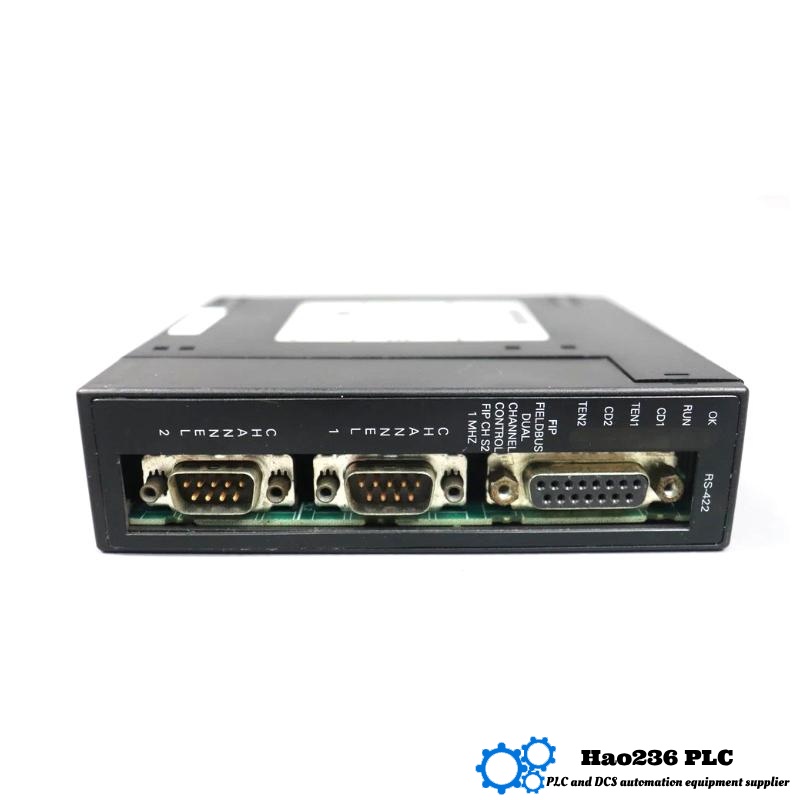
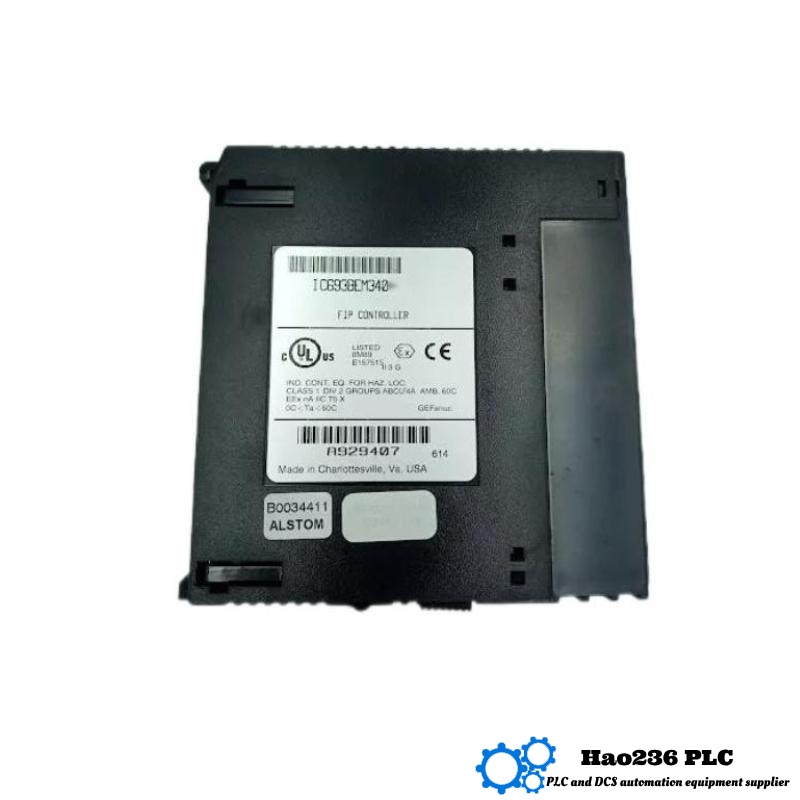
Q1: What devices can I connect to the IC693BEM340?
A1: Any Genius‑compatible device—block I/O, VersaMotion drives, Series 90‑70 drops, HMIs, and third‑party equipment fitted with a Genius interface.
Q2: How many drops can one BEM340 manage?
A2: Up to 31 per Genius bus segment, each with up to 32 bytes in and 32 bytes out.
Q3: Can I mix different baud rates on the same bus?
A3: No. All nodes on a single Genius trunk must share the same baud rate; selectable values are 38.4, 76.8, 115.2 or 153.6 kbps.
Q4: Does the module require a dedicated slot?
A4: It can be placed in any I/O slot (not the CPU slot) of a Series 90‑30 base; power is drawn automatically from the backplane.
Q5: How is the module configured?
A5: Via GE Proficy Machine Edition or the legacy Logic Master 90 software—device numbers, baud rate, and memory mapping are entered in the hardware configuration.
Q6: What happens if the Genius cable is cut?
A6: The BEM340 flags a “bus fault,” sets configurable fault bits for each affected drop, and the PLC program can execute a safe‑state response.
Q7: Is firmware upgradeable?
A7: Yes, firmware can be updated through the programmer port; upgrades typically add diagnostics or new Genius features.
Q8: How long can the cable run be?
A8: Up to 750 meters total trunk length per segment using approved twin‑axial AWG 18 cable, or longer with repeaters.
Q9: Does the module support redundant Genius networks?
A9: Redundant cabling is not native; however, multiple BEM340s in separate bases can be used for redundant control paths.
Q10: What is required for CE compliance?
A10: Installation inside a metal cabinet with proper grounding, ferrite suppression on network leads, and adherence to GE wiring guidelines.
Related Products
Copyright @ 2026 Automations
XML|Links:
No:77501