FAQ (10 Common Questions – QA Format)
Q1: How many input channels does the ADV169-P00 S1 provide?
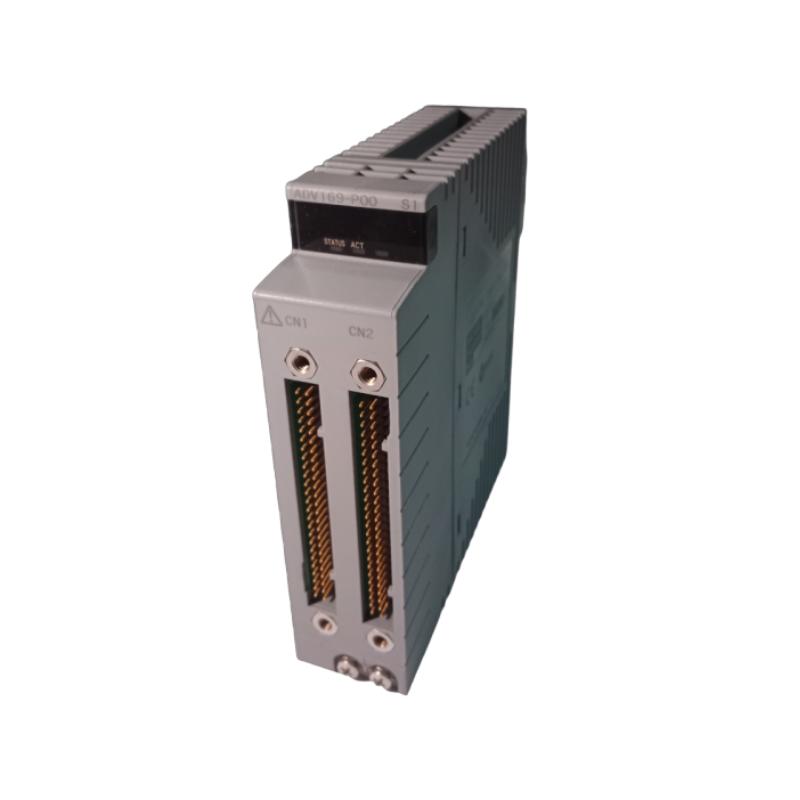
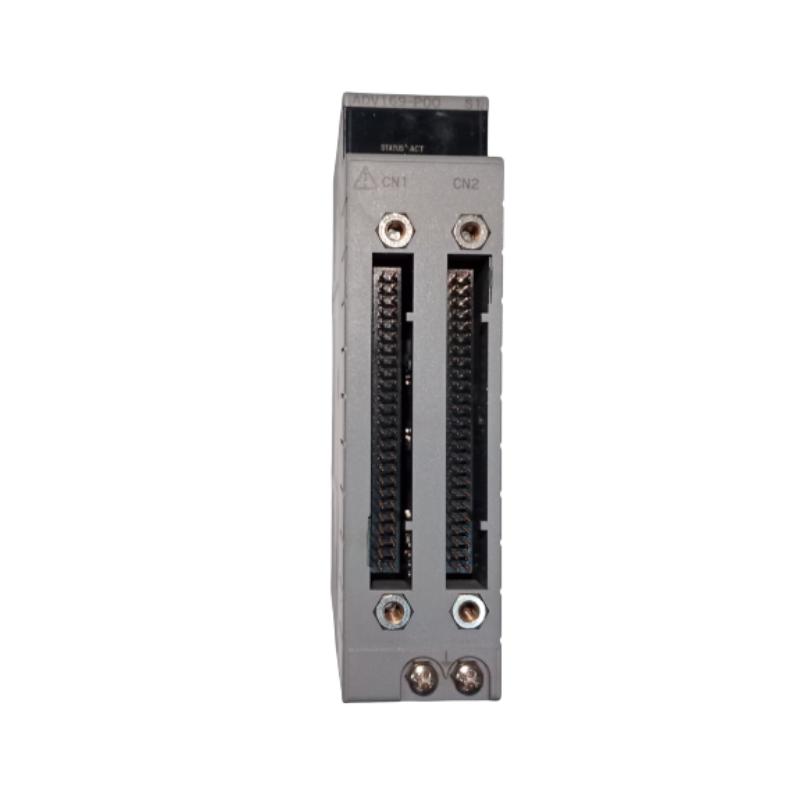
A1: It provides 64 discrete digital input channels.
Q2: What types of signals can the module accept?
A2: It can accept dry-contact inputs (open/closed switches) and low-voltage DC voltage inputs (4.5 – 25 V DC).
Q3: What is the input response time?
A3: The typical response time is 8 milliseconds or less for status input detection.
Q4: How are the input channels grouped, and how does wiring work?
A4: Each 16-channel group shares a common negative side (COM-) and is electrically isolated from other groups, simplifying wiring and improving noise immunity.
Q5: What are the physical size and weight of the module?
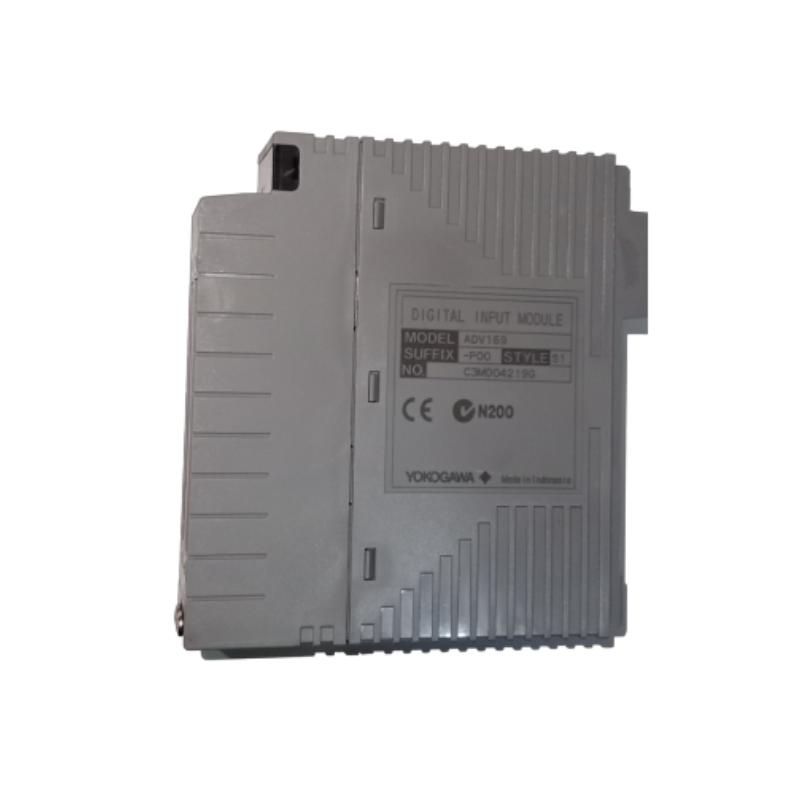
A5: Approximate dimensions are 120 mm (width) × 230 mm (height) × 35 mm (depth), and the weight is about 0.30 kg.
Q6: Is this module compatible with the Yokogawa I/O base frames and backplanes?
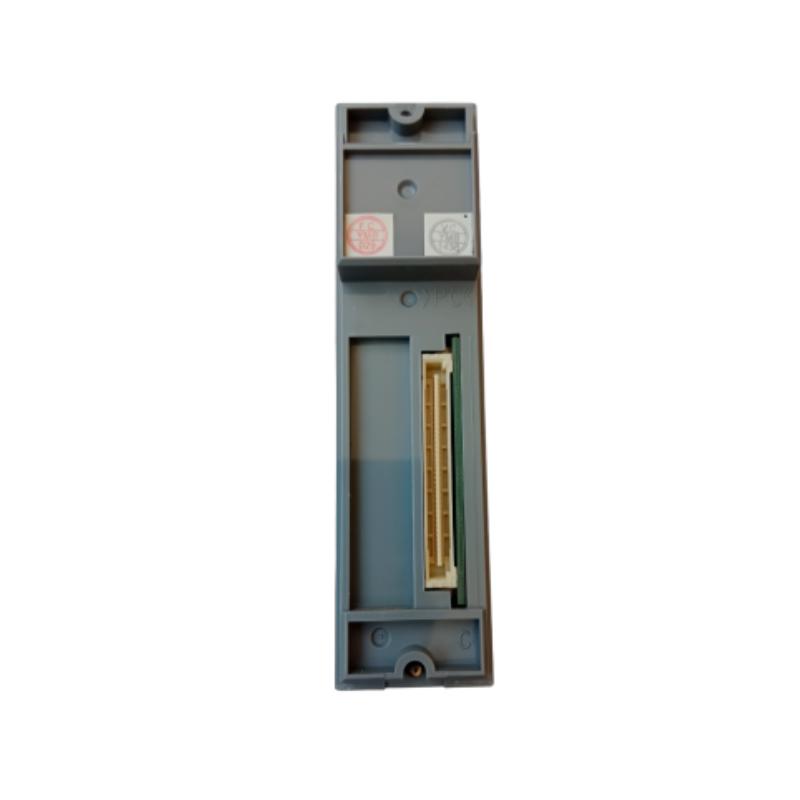
A6: Yes, as part of the ADV169 series, it integrates with the standard I/O base frames and backplanes of the brand’s automation system.
Q7: Can it be used in harsh industrial environments?
A7: Yes, it is designed for operating temperatures from -20 °C to +60 °C and up to 95% humidity (non-condensing), making it suitable for many industrial settings.
Q8: What happens if I have fewer signals to monitor? Are there smaller channel modules in the series?
A8: Yes, within the ADV169 series and related I/O platform there are modules with fewer channels (e.g., 32-channel versions such as ADV169-PM or ADV169-PK) that might better fit smaller signal counts.
Q9: Does the module require special cooling or significant power?
A9: The module’s current consumption is approximately 800 mA at 5 V DC supply, and typical control cabinet ventilation is sufficient—no dedicated fan cooling is normally required.
Q10: How do I maintain or replace the module in a control rack?
A10: Power down the I/O rack, unplug or remove the module from its base frame, disconnect input wiring if necessary, install the new module, reconnect wiring and power up — then perform a system check to verify that all channels operate correctly.
Related Products
Copyright @ 2026 Automations
XML|Links:
No:77501